





Download
Choose .potx for a reusable PowerPoint template, or .pptx to edit the example deck directly.
 PowerPoint
The PowerPoint template.
Ready for your next presentation.
POTX template · 89 KB / PPTX deck · 89 KB
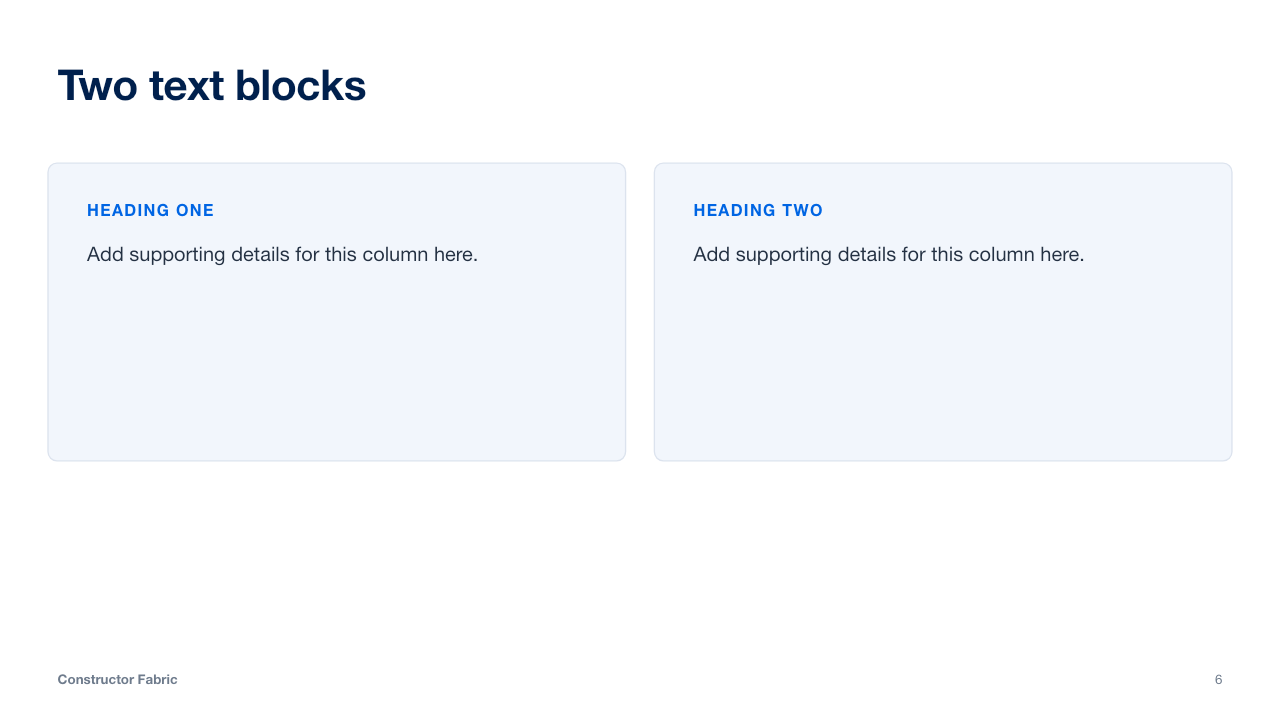
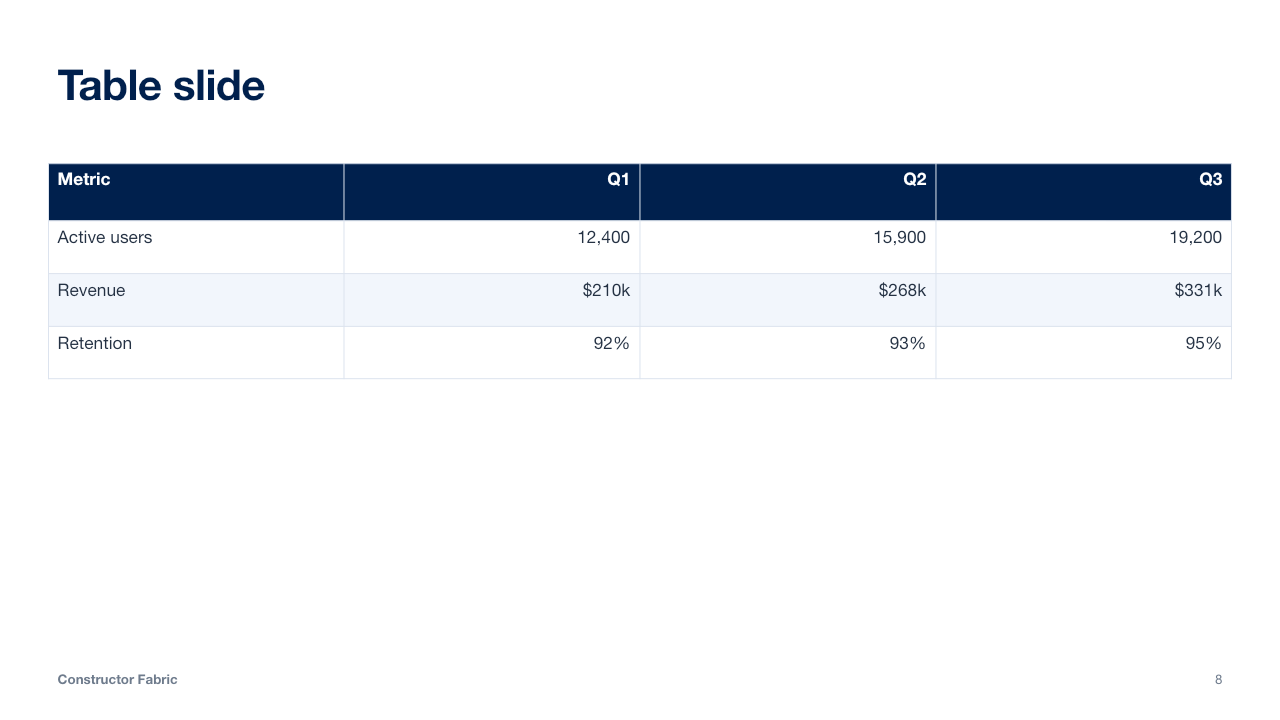
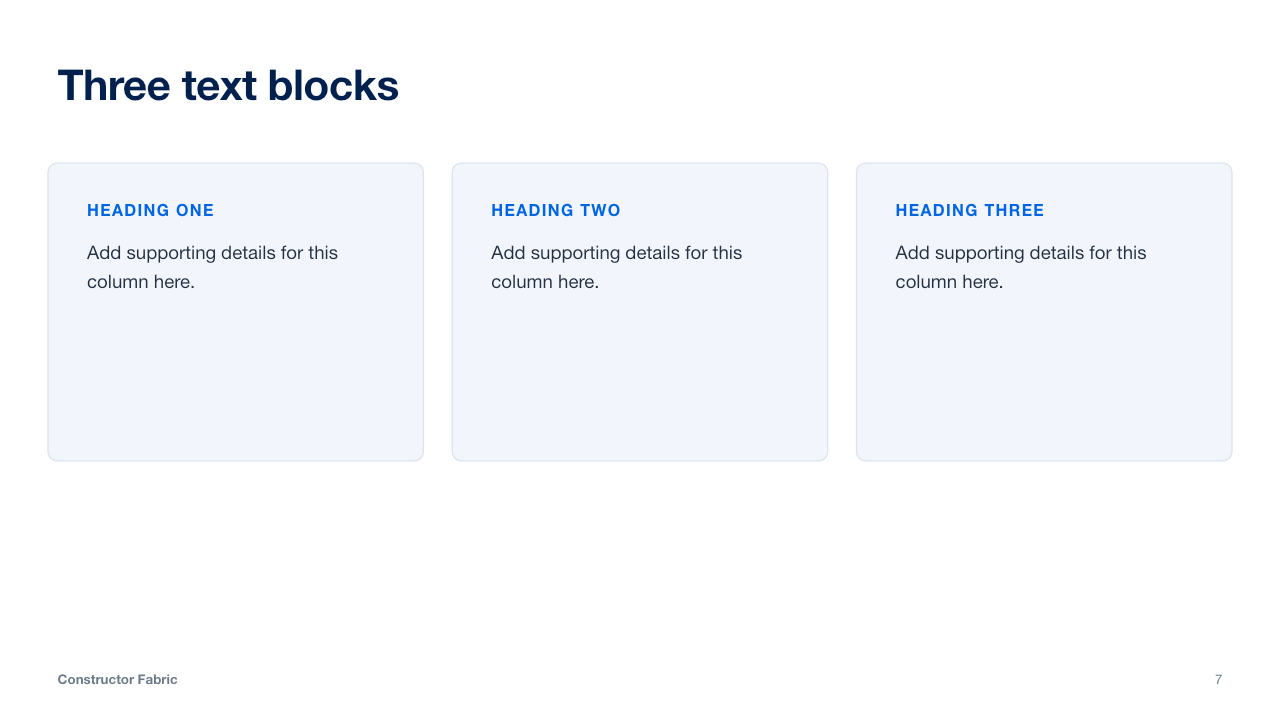
Actual slides from the downloadable deck. Select one to preview.
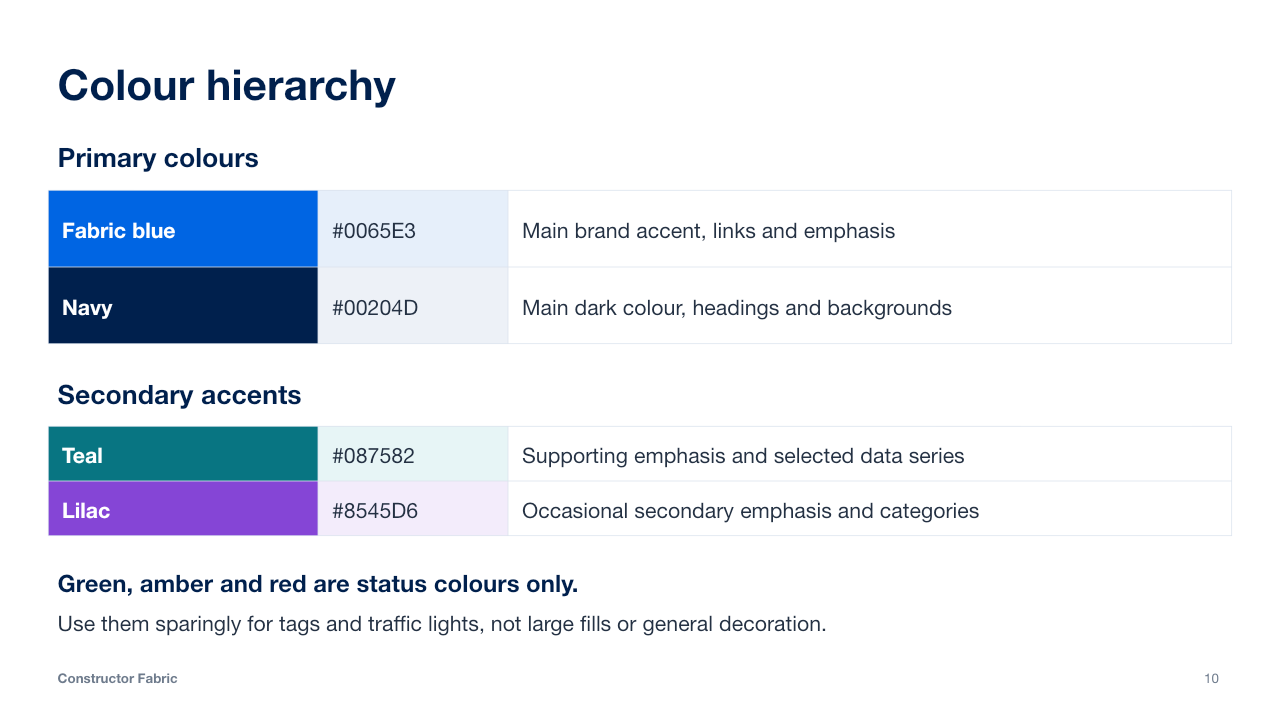
Blue and navy lead. Supporting accents and status colours have distinct roles.
Fabric blue and navy are the foundation of the presentation. Use them for the main visual structure, headings and brand emphasis.
Use teal and lilac selectively to support the blue and navy palette.
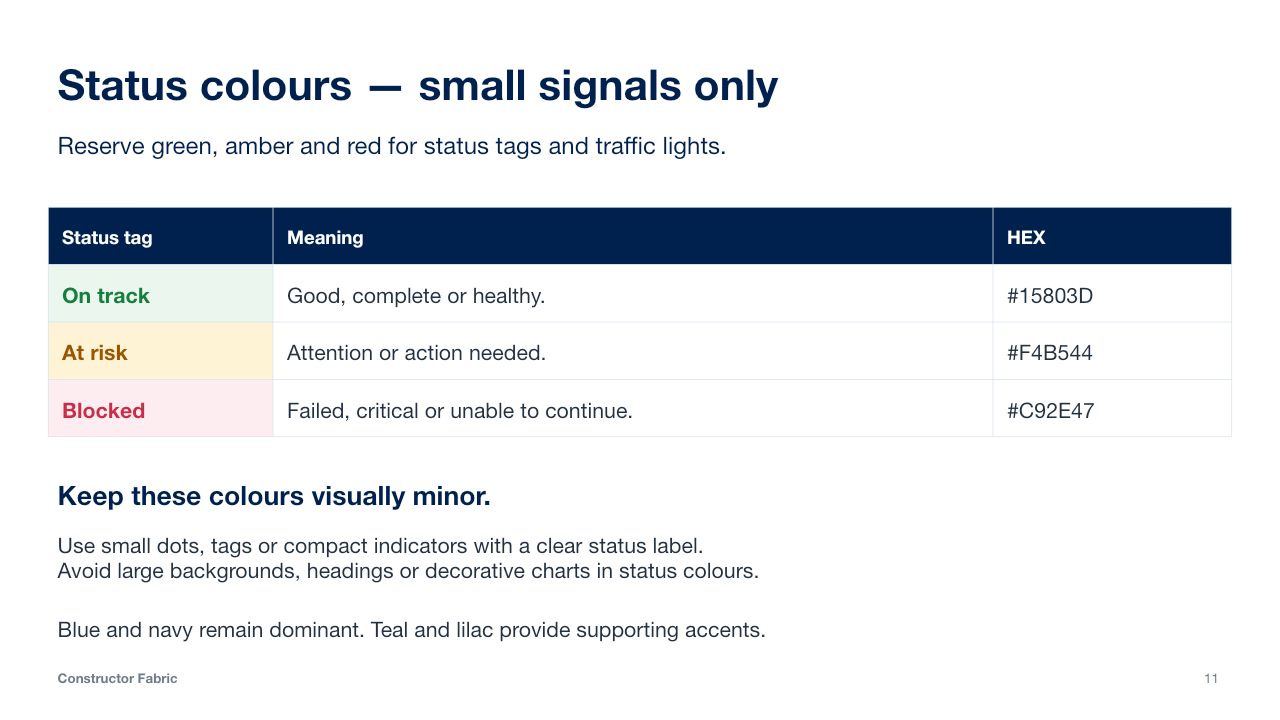
Reserve green, amber and red for small status tags and traffic lights: good, needs attention or blocked. Use them sparingly, with a clear label. Avoid large backgrounds, headings and general decoration in these colours.
Keep status colours visually minor; blue and navy remain dominant.
Choose .potx for a reusable PowerPoint template, or .pptx to edit the example deck directly.
Open the file in PowerPoint. Add slides with Home → New Slide and choose one of the 23 layouts.
Replace the placeholders, then save your work as a new .pptx file. Keep the original template for next time.
In PowerPoint, save the file as a PowerPoint Template (.potx). Choose your personal templates folder to reuse it from the template chooser. Its location and the chooser’s name vary by operating system and PowerPoint version.
Downloaded presentations are independent files. A later template release will not automatically update their layouts or colours.
Downloads work today. Organisation-wide templates and an in-app slide catalogue need a separate setup.
Release feedThe release feed is for an RSS reader. PowerPoint cannot subscribe directly to an arbitrary public template feed.

Constructor Fabric Extended 2026 · Version 4